
Built-in versus extension
What can Xournal++ plugins do?
A plugin is a Lua script that can add menu entries, call UI actions and work with document information through the Xournal++ plugin API. This is useful when you want a repeatable command, a custom workflow or an accelerator for an action that is not convenient to reach from the toolbar. Plugins are not the same as a theme or a font pack: they execute code inside the application and should come from a source you understand.
The official plugin documentation shows how a plugin can register a menu item and an accelerator, including actions that switch tools or change a tool property. The available action names can change as Xournal++ develops, so test a plugin against the version you installed and keep a copy of your notebook before using a document-changing script.
Choose the right tool
Plugins, LaTeX and built-in drawing features
| Need | Use | What to check |
|---|---|---|
| Add a mathematical formula | LaTeX tool | Install a TeX distribution and test the configuration. |
| Create a custom menu action | Lua plugin | Review the plugin code and its accelerator. |
| Draw a straight line | Shape tool or setsquare | No plugin is required for ordinary geometry. |
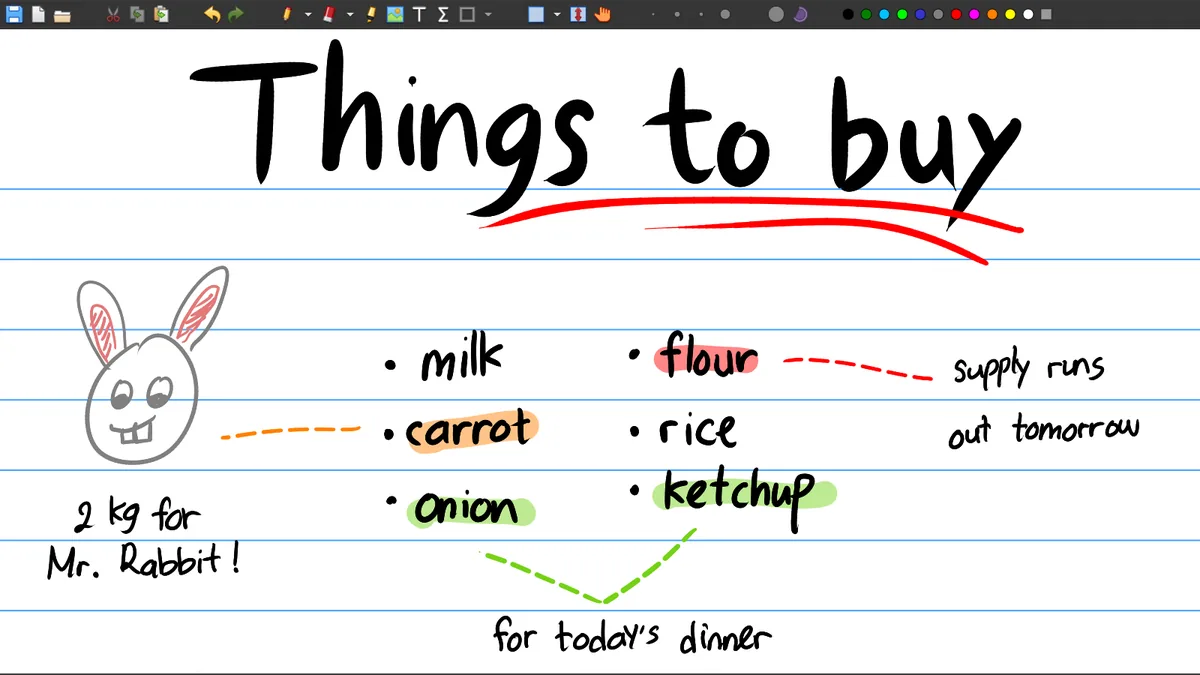
| Fill a closed shape | Pen/highlighter fill mode | Use the fill control in the drawing toolbar. |
| Select PDF text | PDF tools | Some PDF toolbox features may be Nightly-only. |
| Change colors | Toolbar palette or preferences | Palette setup is separate from plugins. |
LaTeX setup
Insert your first formula
Install TeX
Use a distribution such as MiKTeX on Windows, MacTeX on macOS or TeX Live on Linux. TinyTeX is another smaller option.
Open Preferences
Go to Edit → Preferences, open the LaTeX tab and use Test configuration to check the generator.
Open the LaTeX tool
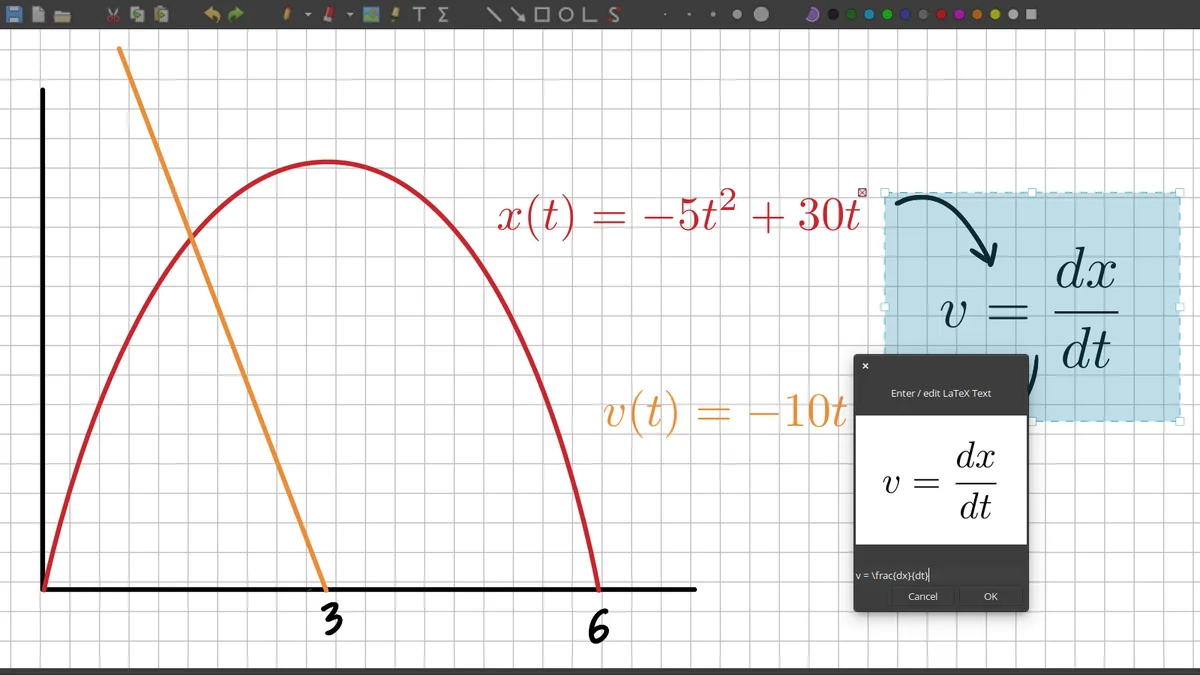
Choose the LaTeX button, enter a formula and wait for the preview to confirm that the syntax and packages work.
Insert and edit
Accept the preview, then select, move, scale or edit the rendered formula like other journal objects.
Troubleshooting
Why does the LaTeX tool fail?
If pdflatex or kpsewhich cannot be found, confirm that the TeX distribution is installed and works outside Xournal++. A missing standalone package can also stop the preview. On Windows, opening MiKTeX once may be necessary so it can install required packages. On Linux, a Flatpak installation may need the matching Flathub TeX Live extension, while an AppImage may require access to the template files.
The default template is a project resource and can be changed from the LaTeX preferences. If a recent template fails because a package such as scontents is unavailable, test the legacy template supplied with the installation. This isolates a template dependency from the Xournal++ journal itself. Do not delete a working template until a replacement formula has rendered successfully.
Version boundaries
Keep plugins, templates and the application compatible
A plugin can be installed correctly and still fail because the API action it calls belongs to a different Xournal++ build. Keep a note of the application version, plugin source and expected menu entry. If an action disappears, disable the plugin and check the official documentation or repository before editing the Lua file. Never make a plugin a prerequisite for opening a notebook that should work with the normal application.
The same principle applies to LaTeX templates. A formula that renders on one computer may fail on another if the TeX distribution is incomplete, a package is missing or the template points to a file that does not exist. Test a short formula first, then a formula that uses the packages your real notes need. Save the journal after a successful preview, but remember that a rendered formula is still part of a larger .xopp workflow with its own backup and export requirements.
Keep the workflow simple
Know when a built-in tool is enough
Plugins are useful when a repeated action truly benefits from automation. They are unnecessary for ordinary lines, circles, page navigation, fills, colors and PDF export because those actions already belong to the normal toolbar or menu workflow. Start with the built-in control, then add a plugin only when it removes a real repeated step. This keeps notebooks easier to open on another computer and makes troubleshooting clearer when a formula or export fails.
Extensions and formulas
Choose Xournal++ plugins and LaTeX tools carefully
Xournal++ plugins are optional extensions, while the LaTeX tool depends on a working TeX distribution. Start with the built-in workflow before adding a Lua plugin: create a formula, export a small PDF and confirm that the result matches the notebook. On Windows, MiKTeX is a common choice; macOS users may use MacTeX; Linux users often choose TeX Live. The exact package is a system decision, not something the .xopp file can install for you.
When a Xournal++ plugins action or LaTeX formula fails, separate the layers of the problem. A missing menu entry can be a plugin compatibility issue, a formula timeout can be a TeX path or package issue and a missing fill control is usually a drawing-toolbar setting rather than a plugin. Read the plugin source and version notes, test on a copy of the notebook and avoid making an ordinary Xournal++ export depend on an optional script. This Xournal++ plugins guide keeps formulas, extensions and built-in drawing tools distinct. Record the plugin and TeX settings that work before changing the notebook.
Keep a small compatibility note for every plugin you install: application version, operating system, plugin source, menu entry and expected shortcut. That note makes updates easier to diagnose and helps you remove an extension safely when a formula or export workflow changes.
Frequently asked questions
Xournal++ Frequently asked questions
Does Xournal++ support LaTeX?
Yes. The built-in LaTeX tool inserts rendered formulas, but a TeX distribution must be installed and configured first.
Which LaTeX distribution should I install for Xournal++?
MiKTeX is commonly used on Windows, MacTeX on macOS and TeX Live on Linux. TinyTeX can be a smaller alternative.
Can plugins add Xournal++ shortcuts?
Lua plugins can register menu entries and accelerators for supported actions. Test the plugin with your installed Xournal++ version because action names can change.
Where is the fill option in Xournal++?
For pen and highlighter shapes, the fill mode is controlled by the paint-bucket-style fill control in the drawing toolbar. It is a built-in tool setting, not a required plugin.